


Search
How to Start MySQL Server
- Mar 21, 2021
- 1 min read
In this article we will learn how to start MySQL Server on Linux and Windows.
MySQL Server startup on Linux
We can start the server on linux platform with the following commands using service, init.d, and systemd.
MySQL Server startup using service
sudo service mysql start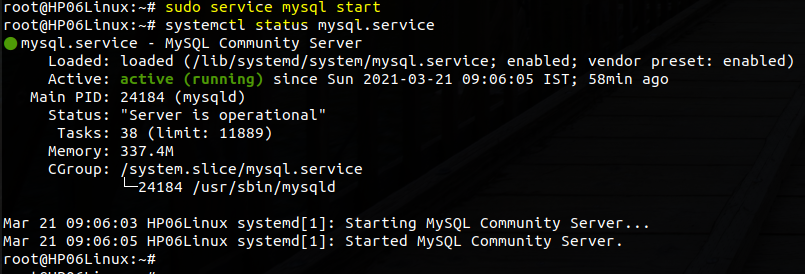
MySQL Server startup using init.d
sudo /etc/init.d/mysql start
MySQL Server startup using systemd
sudo systemctl start mysqldMySQL Server startup on Windows
We can start the MySQL Server on windows platform using the mysqld program as follows:
1. open the Run dialog by pressing Windows+R keyboards:
2. type cmd and press Enter:
3. type mysqld and press Enter:
mysqldNote: If the bin folder is not in the Windows path environment, you can navigate to the bin folder e.g., C:\Program Files\MySQL\MySQL Server 8.0\bin\ and use the mysqld command.
That's all in this post. If you liked this blog and interested in knowing more about MySQL, Please Like, Follow, Share & Subscribe to imjhachandan.com


Comments